
Aputure Releases New Firmware for STORM, NOVA II, and NOVA 9° Fixtures
Aputure Releases New Firmware for STORM, NOVA II, and NOVA 9° Fixtures
Major performance improvements for select models, plus optimizations and bug fixes across the families.
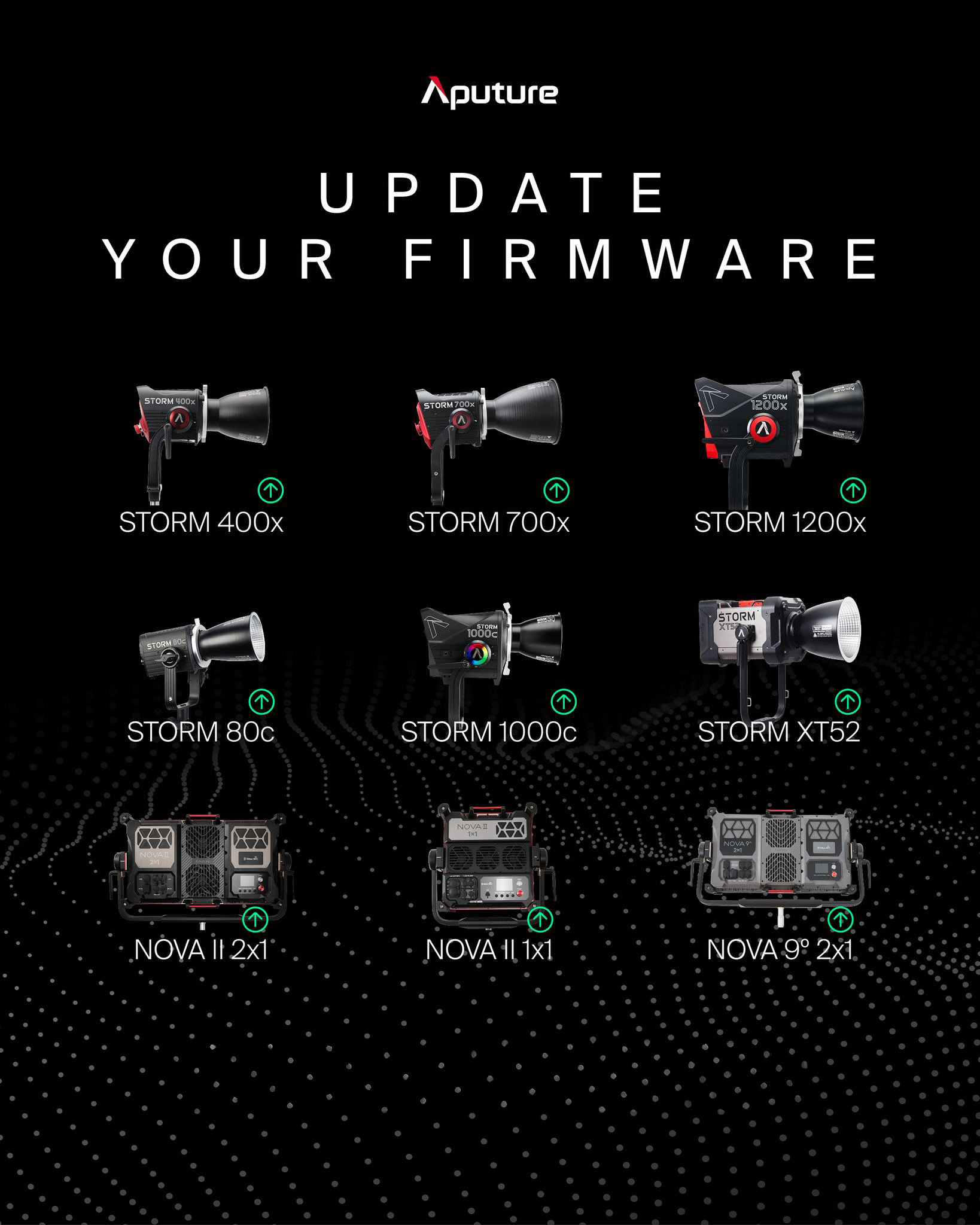
Aputure has released new firmware for every STORM, NOVA II, and NOVA 9° fixture. The NOVA II 2x1, STORM XT52, and STORM 1000c receive major updates with numerous improvements, while all other lights in these families receive optimizations and bug fixes.
These updates reflect Aputure’s ongoing commitment to improving product performance, and it’s recommended that users update their lights at the earliest opportunity.
Major Updates
- Added coarse and fine adjustment modes in HSIC+ for more precise HUE/SAT control.
- Expanded manual fan control options: Smart, Maximum Speed, High, Medium, Low, Silent.
- Additional improvements and bug fixes across DMX/CRMX behavior, UI refresh, FX performance, and error handling.
- Major performance update including improvements to NFC performance, fan control logic, and synchronization accuracy.
- Refined Lead/Follow behavior, built-in FX, and Bluetooth control stability.
- Resolved issue with VRGB DMX Profiles, plus additional refinements and stability improvements.
- Enhanced temperature and fan error reporting for clearer on-set troubleshooting.
Minor Updates
Minor updates include improvements to error reporting, fan behaviors, and text UI across these fixtures:
Detailed Release Notes (Highlights)
New Feature
- Added Manual Fan Control modes: Smart, Max, High, Medium, Low, Delay, Silent (aligned with DMS fan control modes).
- Fan setting also applies to fan speed when using Basic DMX Profiles.
Improvements
- Removed DMX fan control mode from the fan interface; use Control Profiles to control fan over DMX.
- Updated Bluetooth and NFC protocols to support the updated fan mode requirements.
- Clarified fan and temperature warnings for easier on-set decisions.
Bug Fixes
- Revised on-screen text issues.
- Resolved color issues on Source Profiles.
- Improved Strobe channel performance on DMX Control Profiles.
- Fixed VRGB Profiles with DMX Control Channels.
Improvements
- Improved text for fan mode DMX control, fan error messages, and high temperature warning screens.
- Improved temperature error reporting (control box MCU: EC.002; COB temp: EH.002) for clearer fault identification.
- Updated fan control logic to improve stability; fan-related errors are more general and ignorable during normal operation.
- Improved indicator light behavior: ignoring all active errors restores normal operating color.
- Improved low-temperature detection accuracy to prevent incorrect error states.
Bug Fixes
- Fixed abnormal behavior in DMX VRGB color space output.
- Fixed low-temperature testing false indicator light flashing due to incorrect NTC thresholds.
- Fixed odd/even DMX profile brightness mismatches at the same 16-bit values.
- Fixed unexpected flashing when switching high-speed photography modes or dimming curves.
- Fixed HSIC+ Hue edge case (359.9 to 0.0 degrees).
New Features
- Added coarse/fine adjustment modes for HUE and SAT in HSIC+ (press and hold encoder wheel to switch control resolution).
- Expanded manual fan mode options: Smart, Full Speed, High Speed, Medium Speed, Low Speed, Silent.
Improvements
- New folder structure for DMX profiles and updated naming for readability.
- Improved error detail reporting and temperature/status interface layout.
- More reliable DMX/CRMX interface handling and smoother DMX fade transitions.
- Enhanced Sidus Link/Sidus Link Pro performance for PRO/GO programming and HSI effects responsiveness.
- Silent fan mode behavior improved (Silent mode power fixed at 600 W, independent of maximum power setting).
Bug Fixes
- Fixed DMX Control Channel strobe behavior and several DMX profile/UI refresh issues.
- Fixed CRMX responsiveness issues after toggling and improved DMX signal flashing behavior.
- Fixed DMX zero-brightness handling inconsistencies under certain conditions.
- Improved fan stall/pump error detection and corrected Fresnel stop/resume behavior.
Update Best Practices
- Download the correct firmware for your exact model from the official downloads page.
- For fixtures requiring USB updates, use a clean USB drive and follow Aputure’s file placement instructions carefully.
- After updating, verify DMX profiles, fan modes, and wireless control behavior (Bluetooth/NFC) before your next shoot day.
- If you manage multiple fixtures, standardize versions across your kit to avoid mismatched behavior in Lead/Follow workflows.
Information provided by Aputure firmware release notes and announcement copy (as supplied). Always confirm model/version specifics on the official downloads page prior to updating.
Recent Posts
-
Where LiveU is Headed: Beyond Broadcast, Into Everything
Where LiveU is Headed: Beyond Broadcast, Into Everything A look at LiveU’s evolving strategy, prod …Mar 30th 2026 -
New Firmware Update Available for Sony FX6
Attention FX6 Owners New Firmware Update Available Sony’s latest FX6 firmware brings a cleaner s …Mar 26th 2026 -
Panasonic 137" Full HD All-In-One Direct-View LED Display
Panasonic Professional Display Solutions Panasonic 137" Full HD All-In-One Direct-View LED Displa …Mar 25th 2026